


How do I use voice commands in my GMC vehicle?
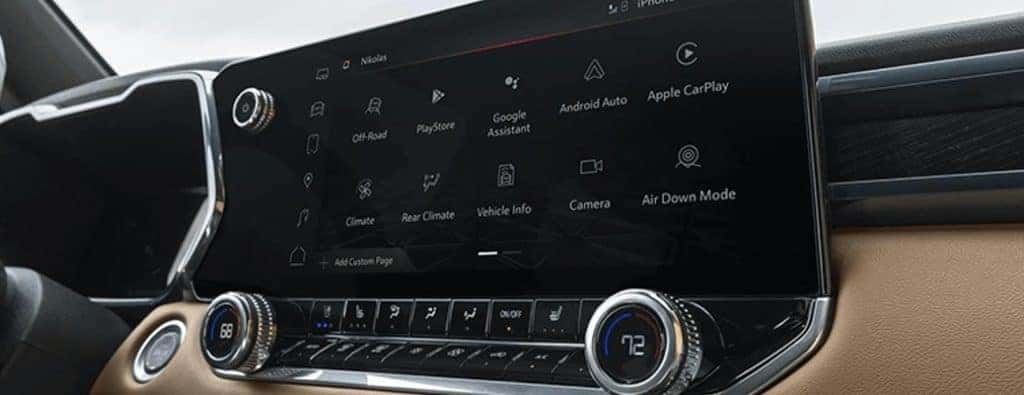
Different voice commands you can use in a GMC
How do voice commands work? You can speak to your GMC vehicle to control several functions including navigation. Keep reading to learn more about the commands you can use to control your GMC. We offer the latest GMC vehicles and technology here at Carl Black Roswell in Roswell, GA.
How to Use Voice Recognition | GMC video
This video gives you a visual breakdown of the various voice commands you can use in your GMC vehicle. As you’ll see, there’s a lot you can do using your voice. Once you’re familiar with the commands, they’re easy to use.
List of five voice commands to use in your vehicle
Using voice commands is a convenient way to control several vehicle technologies. It allows you to change settings and choose different functions while keeping your eyes on the road and your hands on the wheel. In that sense, it’s even a bit of a safety feature. Check out these commands to use.
| Command to say | How it’s used |
| “Call” + the number or contact name | Start a hands-free phone call through your vehicle’s speakers |
| “Tune to” + the radio station’s number | Play the specified radio station through your vehicle’s audio system |
| “Play” + a song title, artist, album, or playlist name | Play the specified tune using a connected device |
| “Navigation” + destination address or point of interest | Get directions to your destination |
| “Cancel” or “Exit” | Stop using voice recognition |
How to use voice commands in a GMC vehicle
To get started, press the push-to-talk button on your car’s steering wheel. Wait for the system to prompt you with a beep. Once you hear that, you can speak your voice command. See more tips in the video above.
Auto Start and Stop technology
0 comment(s) so far on How do I use voice commands in my GMC vehicle?